

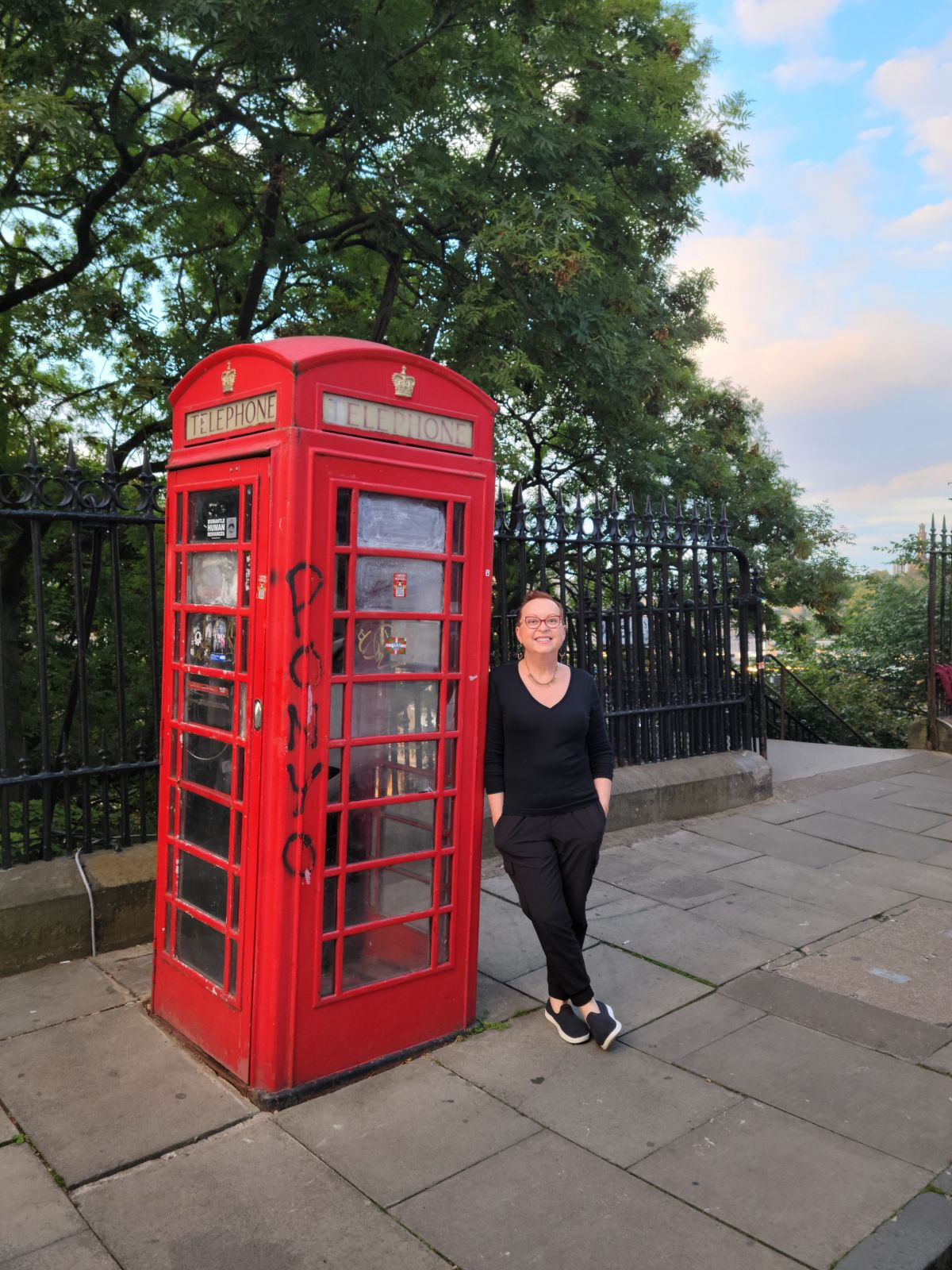
As much as you might dream of getting away from it all while travelling and not using your laptop or mobile device, the reality is that these devices are really a vital part of our lives now. There are so many phone apps just to make travel easier! I want to share my top phone tips for travelling abroad based on my experience so you can be better prepared for your next trip. The classic red phone booths in the UK are great for picture taking but don’t count on them to phone home. Enjoy the journey!

How do I use my phone when I travel outside the U.S.?
- WhatsApp–You can message, chat and video chat for free. Just make sure whomever you want to connect with back home also has the app downloaded and, of course, you will need to be connected to WiFi to use it but it’s free! This has worked great for people I know who want to avoid any additional expenses when travelling.
- Physical SIM card– If you have an unlocked phone, bring along a SIM remover tool (safety pin works too). Assuming your phone meets the usability criteria, you can purchase a SIM card when you land (most airports have kiosks selling these but they are usually cheaper once you get in a local neighborhood and can go to a convenience store). Check for:
- How many GB? Local phone #? Lasts for how many days/months? Includes texts, phone calls and internet? Example of cost: 10£ for 21g of data.
- You switch out your SIM card (keeping it safe somewhere while you travel) and pop in the new SIM card to have mobile access while there.
- Safety tip: if a cell phone or any store offers to unlock your phone for you and install the SIM or asks you to leave your phone so they can do it, do not let them. All kinds of scams with that type of service. Do it yourself.
- eSIM cards are another option to get a local number without having to hunt down a physical SIM card after you arrive. You can purchase and download an eSIM on your phone to connect to cell networks and get data. Tons of providers sell eSIMs online with options and prices depending on where you’re going and how much you’ll need to use your phone. I would recommend going to Amazon and search “international esim card” to see the options. So, make sure to dig around and check reviews before purchasing.
- International plan activated on your mobile device-this is what I use. For my AT&T phone, it costs $10/day to use. When traveling with your family that are on your cellular account, if everyone is using the International Day Pass, one line is $10 a day and any additional lines are charged at 50% off (so my husband would be charged $5 a day). Most carriers have similar services and fees. Very easy-you will automatically get charged the international fee when you use data, talk or text in another country and off you go! I use my mobile to call, text, tap to pay (very popular in Europe as way to use public transportation and pay for everything) and leverage Google directions to get around. On your next cell bill, you will see the charges. If there is a day you don’t use the mobile, you won’t get charged for that day. Other tips for international plan usage:
- To use cellular data, make sure Data Roaming is turned on in your device settings.
- To call or send a message to the U.S., dial +1 followed by the 10-digit number. The “+” sign usually appears if you press and hold the “0” key on your dial pad.
- To call or send a message to another country, dial + (country code) followed by the local phone number.
- Some devices have settings that automatically add the correct prefix or country code when you’re calling numbers in your contacts. For iOS, turn on Dial Assist in your device Settings.
- Note: T-Mobile has a $100 International Monthly Plan that includes 250 minutes, unlimited texts and unlimited data for 30 days. This would be a good plan for trips of 10 days or more.
What do I do if misplace or lose my phone? (test these before you go so you know what to do)
- Android: Use a laptop and go to “Find My Device (google.com)” With this feature, you can:
- Locate where it is-map is displayed
- Play a sound (to help you find it-we used this feature when my husband’s phone fell out of his pocket at the playground when we were with the grandkids-it works!)
- Secure your device-locks the phone and signs you out of your Google account. You can also display a message or phone number on your lock screen so that if someone finds your phone, they can contact you. You can still track device if you do this action.
- Erase all content from the device. Only do this if you know you aren’t getting it back. You can’t locate it once you take this action.
- iPhone: Use your Apple device to track your iPhone, iPad, iPod touch, Apple Watch, Mac, AirPods, AirTag) Sign in to iCloud.com/find or use the Find My app on another Apple device that you own. With this feature, you can:
- Locate where it is-map is displayed
- Play a sound
- Lock the device
- Mark it as lost: When you mark your device as lost, you remotely lock it with a passcode, keeping your information secure. This also disables Apple Pay on the missing device. And you can display a custom message with your contact information on the missing device.
- Report your missing device to local law enforcement. Law enforcement might request the serial number of your device and you can find it through the link above.
- File a Theft and Loss Claim here on this site.
- Remotely erase everything if you don’t think you’ll get it back.
- For both Android and iPhone, report your missing device to your wireless carrier (AT&T, T-Mobile, etc.) asap. Ask the carrier to disable your account to prevent calls, texts, and data use. Here are some of the major carriers contact info:
- AT&T: 1-800-331-0500
- T-Mobile: 1-877-746-0909
- Verizon: 1-800-922-0204
I hope these tips have been helpful and allow you to enjoy the journey!
 Travels with Melinda
Pingback: Top Travel Apps – Travels with Melinda
Pingback: Top 10 Paris Travel Apps – Travels with Melinda