

I use many different travel apps so that my adventures go smoothly. I thought I would share my favorites to help you too. I’ve included websites for many apps below so you can check them out and decide if they will work for you. Then, download the app to your mobile device to use while you are travelling. Embrace technology and enjoy the journey!





PLANNING THE TRIP:
OVERALL PLANNING AND ORGANIZATION
OneNote–I use Microsoft OneNote, which is a digital note-taking app where I can jot down ideas, make to-do lists (my fav!), and more. OneNote is part of Microsoft 365 and you can sign in with your Microsoft account. Using OneNote, I can access my travel notes/files on my laptop AND my mobile device while travelling. I have a separate notebook for each trip. Within each notebook, I have sections/pages for every place, flights, hotels, etc. I will put in screenshots and download files for any tickets and travel confirmations. This way I can travel paperless, quickly pulling up anything up on my phone (even without Wi-Fi or cell service-which happens to me a lot!) that I might need while travelling. You can also share the OneNote with fellow travelers on your journey. That way you can collaborate on all the details!
TripIt – Highest-rated trip planner and flight tracker is very popular. I tried TripIt out on our last two trips and it’s best feature is that when you book a flight, hotel, car, or other reservation, you can simply forward it to plans@tripit.com, and they automatically add it to your trip file. You can also add in other details yourself like tours you are taking, concerts, etc. I liked that you could click into a trip item and it shows the address and then you can click on the address and get mapping to get there. Try it!
AIRLINES
Once you know the place and the dates, you will want to start looking at airline prices. Tip: set up an alert (see apps below) to track how the prices are fluctuating. If you know you definitely want a particular airline, make sure you download their app and set up a search on that site. Hot tips: Book on a Sunday to save up to 15% on average according to Expedia data and book at least a month before domestic flights and six months before international travel to save 10% on average. Depart on a Wednesday to save up to 15% on average.
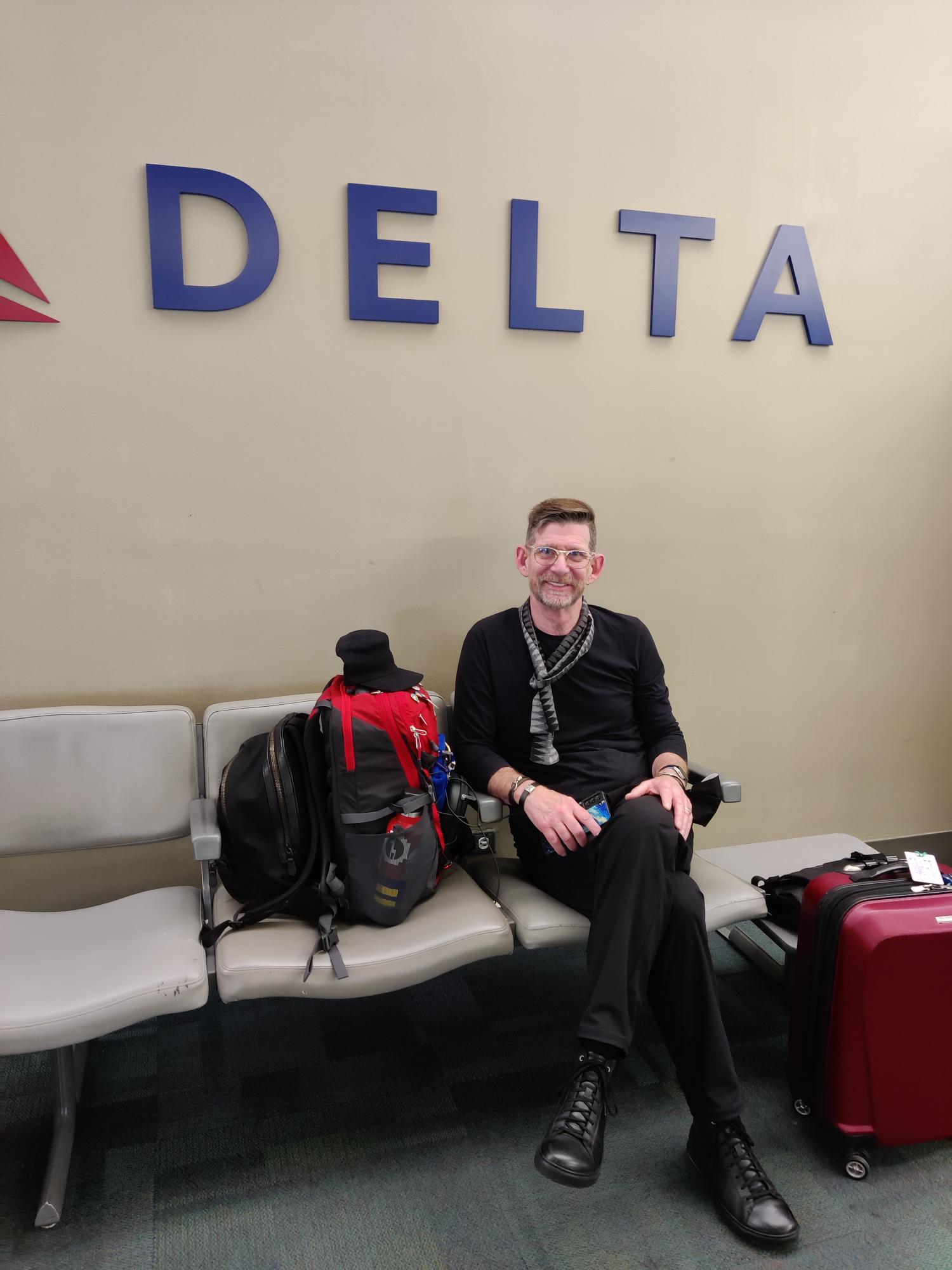
Download the brand app-I fly Delta primarily so I have their app downloaded. They will notify me of any flight changes and push notifications to my phone about gate changes, boarding announcements, etc.
General airline search for flights and pricing:
Skyscanner: Compare Cheap Flights & Book Airline Tickets to Everywhere | Skyscanner
Google: https://www.google.com/flights
SeatGuru: Airline Seat Maps, Flights shopping and Flight information- Best Airplane Seats – SeatGuru (owned by Tripadvisor) Find out details on your airplane seats (do they recline, are they close to bathrooms,etc.) and book flights.



TRANSPORTATION & GETTING AROUND
Rome2Rio: discover how to get anywhere is an app that I have used in many different European places and all across the US. My favorite app! You just input that you want to go from Point A to Point B and it searches any city, town, landmark, attraction or address across the globe with thousands of routes to easily get you from A to B. It gives you timetables and estimated pricing for all types of transportation-tram, bus, subway, train, taxi, etc. If you decide to walk, it tells you how long it will take and helps guide you around that way too.
Citymapper – The Ultimate Transport App Citymapper is a free public transit app with mapping that displays transport options, usually with live timing, between any two locations in a supported city. Similar to Rome2Rio but very helpful for getting around by any means of transportation from e-scooters to walking to biking to subways. I like this app best for getting around by foot.
Google Maps can be used to navigate around town. This is the app my husband likes best.
Uber is great to get around if it is available in the city/country you are visiting and your cell service works. Check here Uber Cities – Rides Around the World | Uber before you go and download the app. I’ve used Uber in many places around the world and sometimes it works like a charm and other times I’ve had to figure out a back-up plan (like bus or walking) when you just can’t get a driver to accept your ride.
FREE NOW – Europe’s best mobility app. Available in 100+ cities (free-now.com) is handy because Uber not available in all countries. This app covers taxis, scooters, scooters and electric bicycles, or rent a car in sharing.
Subways are a great way to get around town. Download the subway app for the city you are visiting to get all the information on fares, how to pay (tap to pay in NYC/Europe which you do with your smart watch, phone with Google Pay or Apple Pay or credit card). Want to know which stops are accessible with elevator in case you can’t do stairs? It should be on the app.
TRAINS
We have travelled by train and trams all over the UK, Italy, Switzerland and, in the Fall of 2023, we will be in France. Europe has far superior train systems than the US. Every country has their own train systems so too numerous to mention. Here are some aggregate sights to research train travel no matter what country you are going to be in:
Book, search & compare trains, buses & flights (GoEuro) | Omio
HOTELS
Brand app-I stay in Marriotts (when not using Airbnb) if at all possible because I have Platinum Elite status and get all kinds of nice upgrades and late check-out. Download the hotel app where you are staying and make sure you are getting points for spending money there! We are on a trip to Switzerland right now and almost all of our hotel stays are free using points accrued from our trip last year to the UK.
APARTMENTS
We often stay in an Airbnb when we are in one place for more than a few days. I’ve written a separate blog post Top 5 Tips to Book an Airbnb you can check out. Download the Airbnb app on your phone and best of luck finding the perfect place to stay on your next adventure!
TOURS
Viator/TripAdvisor (same company-different sites) research everything there from hotels to tours to general things to do. You can read traveler reviews to determine if it seems like a good fit for you. This is my “go to” place when I start to research a location to visit.
SEEING THE SIGHTS
Audio Tours for Europe by Rick Steves-use for research and also while travelling vs. taking a tour-free! Download to your phone and bring your ear buds (don’t forget your power source to plug into when your battery dies).
Homepage – Smartify: When you visit a museum, you scan the piece of art and hear all about it. Available on iOS, Android and mobile web-app. Smartify delivers tours, way-finding, object-recognition and much more. Super excited to try out this app again when we visit NYC and see exhibits of Warhol and Banksy.
Bimble Your Favourite Places. Share & Get Place Recommendations to share the sights you see with others! Save travel places and easily refer for yourself and others. You can create a Bimple or discover Bimples from other people to get inspired.
FOOD
I don’t claim to be a foodie, but many people are so making reservations to eat while you are travelling is important. Research places before you go and make your reservations through one of the many apps that are available:
Book the best restaurants nearby | OpenTable make your restaurant reservations in the US, UK, India, Australia and Mexico.
Book the best restaurants in Europe | TheFork for your dining in Europe.
Yelp is always a good resource to research restaurants and direct you to their website to see how to make reservations depending on where it is located.
PACKING
I only travel with a backpack and a carry-on. My motto is “never check a bag” so that you can arrive in your destination ready to go! Whether one week or a month, it’s only a carry-on for me. See my separate blog post on packing here Top 5 Travel Packing Tips – Travels with Melinda.
Packr – Travel packing list app for each trip is popular free travel packing list app for iPhone and iPad. Packr will organize your luggage and suitcase for each trip depending on weather and activities.
TAKING THE TRIP:
COMMUNICATING
Many people ask me about what to do with their phones while they are travelling abroad. There is so much information around this topic that I wrote a separate blog post here My Top Phone Tips for Traveling Abroad – Travels with Melinda Please check it out!
Google Translate-When you go to places where English is not spoken or menu/signs aren’t in English, Google Translate comes in very handy. It’s a free app that instantly translates words, phrases, and web pages between English and over 100 other languages. We landed in Florence for our girls’ trip and the first restaurant we went to in the Oltrarno had no menus in English and no waiters who spoke English so we learned how to translate everything quickly so we could order. Of course, I still wound up with soup instead of the pasta I thought I ordered but everyone else did well!
WhatsApp–I have found that some restaurants in Europe use this app instead of other apps to book reservations. Airbnb hosts may use this vs. text/call. You can also stay in touch with friends and family for free no matter where you are vs. using international phone service because WhatsApp uses Wi-Fi not phone data. If you don’t want to use your cell (usually $10 a day for international use) then just use WhatsApp. You can message, chat and video chat for free. Just make sure whomever you want to connect with back home also has the app and, of course, you will need to be connected to Wi-Fi to use it but it’s free!
TRAVEL INSURANCE
Check your medical insurance policy before you travel. You may not be covered when you are outside the US. If you are on Medicare, it doesn’t cover healthcare during international travel. However, some Medicare Advantage (Part C) plans may cover certain emergencies if they occur outside the United States. Check out any travel insurance plans and compare before you buy. Here are a few sites to research:
Travel Insurance Quotes Online – TravelSafe
Buy Now | iTravelInsured Travel SE – IMG (imglobal.com)
Travel Medical Insurance (betins.com)
STAYING SAFE
Travel Advisories (state.gov) Are there any travel advisories where you are travelling? Good to know before you go. To receive updated travel advisories and alerts while you are travelling, sign up at travel.state.gov/stayingconnected for one of the ways to stay alert. One of these ways is to sign up for the STEP Smart Traveler Enrollment Program (state.gov) which is a free service to allow U.S. citizens and nationals traveling and living abroad to enroll their trip with the nearest U.S. Embassy or Consulate.
Official list of embassies from the U.S. Department of State (usembassy.gov)– good to have this list handy in case you are travelling and lose your passport or need assistance from the embassy.
While you hope it doesn’t happen to you on a trip, it’s better to be prepared in case you lose or have stolen your wallet. Take a picture (and keep it in the cloud where you can access it if you have to with WiFi) of the contents of your wallet including:
- Fronts and backs fo credit, debit, and insurance cards
- Passport
- Driver’s license
Download a locator app for your phone in case it is stolen and know how to lock it so a thief can’t access your information.
Most credit card companies and banks say they don’t need to be notified if you are travelling but my travel companions and I have all had our credit cards locked the first time we use them outside the US so I still try to reach out and alert them. Usually you can do this online. My husband and I also keep one credit card and passport separate from other credit cards and driver’s license. That way if you get a pickpocket, they get one or the other. Also consider using hotel safe to keep one or the other. As long as you have a copy of your passport with you, you can keep your passport in the safe. Just don’t forget items that you stash in the safe!
WHEN YOU JUST HAVE TO GO
Apps to download and use when you have to go NOW and you are out and about (on Android and iOS) I was in Central Park in NYC, pulled up my Flush app which uses your location to find the nearest public bathroom and quickly found the closest facility. Lifesaver!
- Google Maps: https://www.google.com/maps
- Flush app-so hand to have!
- Where is Public Toliet app
So many apps to help you enjoy the journey!


 Travels with Melinda